Tanish Bansal
· 4 min read
On this page
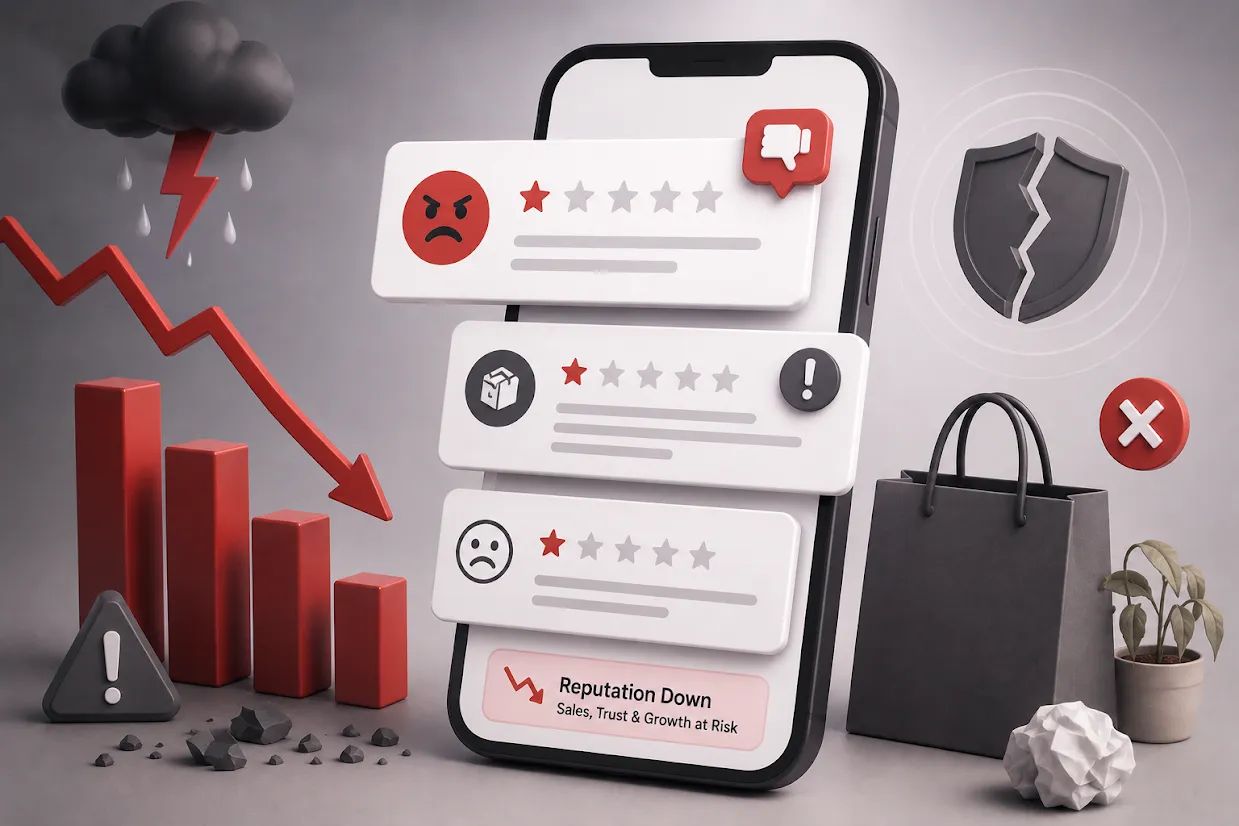
You check your store dashboard on a random Tuesday and there it is. One star. “Order was late, item was wrong, never ordering again.” Your stomach drops a little, and the first instinct is to either delete it, argue back, or just pretend you didn’t see it, but none of that is how you handle negative reviews the right way.
Think about the last time you bought something online yourself. Did you trust the store with a perfect 5.0 rating and twelve reviews, or the one with a 4.6 and three hundred reviews, a few of them clearly annoyed customers? Most buyers trust the second one more. A few honest complaints, handled well, make a store look real. Zero complaints on a store that’s been running for a year make buyers wonder what’s being hidden.
So the bad review isn’t actually the problem. What you do in the next 24 hours is.
Why a Bad Review Isn’t the Emergency It Feels Like
Here’s what actually damages a store’s reputation, it’s not the one-star review sitting there. It’s the one-star review sitting there with no reply, for three weeks, while every new visitor scrolls past it wondering if you even noticed.
Picture two versions of the same grocery store. One gets a review saying “delivery took 2 hours longer than promised” and never responds. The other replies within a day: “You’re right, that delivery was late because of a rider shortage that evening, we’ve added a backup rider for that zone since. Sorry about the wait, and we’d love to make it right on your next order.” Same complaint, same store, completely different impression on the next hundred people who read it.
How to Handle Negative Reviews the Right Way
Reply within a day, not within minutes or a month. Replying in the first five minutes can look defensive. Waiting three weeks looks like you don’t check your reviews at all.
Actually address what they said. If someone says their paneer arrived warm because delivery was delayed, don’t reply with a copy-paste apology. Say exactly that. Customers can tell the difference between a real reply and a template in about two seconds.
Move the actual resolution to a private chat. A short public reply followed by “we’ve messaged you on WhatsApp to sort this out” works better than a long public back-and-forth.
Don’t defend yourself at the customer’s expense, even if they got a detail wrong. Correcting them publicly makes you look petty, not right.
Offer something real, not just words. A refund, a replacement, or a discount fixes an actual problem. “We’re sorry you feel that way” fixes nothing.
What Not to Do, Ever
- Don’t delete a genuine complaint just because it’s negative
- Don’t send the same copy-paste reply to five different one-star reviews
- Don’t let a review sit unanswered for weeks
- Don’t get sharp or sarcastic in a reply, even a little
The Part Most Sellers Miss: Turning the Complaint Into a Repeat Customer
Fix the real problem, follow up, and a genuinely annoyed customer often comes back. Say a customer complained about a wrong item in their grocery order. You fix the packing process, then message them directly: “We’ve tightened our order-checking process because of what you flagged, thank you for that. Here’s 10% off your next order.” That single follow-up does more for the relationship than the original mistake did to damage it.
Getting Ahead of Bad Reviews Before They Even Happen
Ask your happy customers too, not just the unhappy ones. Unhappy customers almost always leave a review; happy ones need a nudge. Zopping’s Reviews & Ratings extension makes this an automatic post-order prompt.
Notice patterns, not just individual complaints. Five customers mentioning the same delivery zone in a month is an operations problem, only fixing the route will fix that.
Give customers a private channel before they go public. Pairing this with proactive WhatsApp updates gives people somewhere to complain to you first.
Frequently Asked Questions
Tap a question to read the answer.
Only if it breaks a clear rule - fake, abusive, or unrelated to the order.
Within a day is a good rule of thumb.
Reply calmly and factually in public, then move details to a private message.
Not really, if you respond well. A pattern of unanswered complaints is what hurts.
Ask right after a good experience, when the customer is happiest.
Still have a question?Our team is happy to help you set up your store.
Share this article