Restaurants and cloud kitchens
Your own online ordering, from menu to doorstep
Take orders on your own website and app, as a restaurant, bakery or cloud kitchen. Menu, delivery areas, ASAP and scheduled orders, pickup and riders all run from one place.
- Sizes, combos and veg marks
- Sold-out dishes off the menu
- ASAP and scheduled orders
- Delivery and pickup
Free forever plan · No credit card required
New order #4127
Koramangala · delivery
- Margherita, Medium₹399
- Veg biryani₹229
What changes
The rush hour, without the order pad
At the pass, staff know what has run out, what is for later and which orders are too far. Online, each call needs a place to live.
TodayOrders arrive by phone and WhatsApp and get scribbled on a pad mid-service.
With ZoppingOrders in one list. Website, app and counter orders land in one list per outlet, ready to accept or reject.
TodayThe butter chicken runs out at 9 pm and customers keep ordering it.
With ZoppingSold out means sold out. Keep dishes available with no counts to maintain, mark one out of stock when it runs out, and back when the next batch is ready.
TodayOne customer wants food now, another a party order at 7 tomorrow, and the website takes only one kind.
With ZoppingASAP and scheduled. An ASAP slot that delivers within set minutes while you are open, plus scheduled slots with an order cap.
TodayOrders come from 12 km away and the food is cold on arrival.
With ZoppingA delivery area per outlet. Set each outlet’s area by pin code, polygon or radius, so you take only deliveries that arrive hot.
What you get
Built around the pass
Menu, availability, timing and dispatch, set up the way a kitchen works.
Menu
Sizes and combos, set up once
Add sizes as variants of one dish, each with its own price. Build combos as bundles: a fixed meal, or a flexible one where customers choose a pizza, two sides and a drink. Add fields like veg or non-veg.
- Sizes as variants, each with its own price
- Fixed or flexible combos with a set number of choices
- Your own dish fields, such as veg or non-veg
Margherita pizza
3 sizes · Pizza
Flexible bundle · customers choose
Sold out
Take a dish off the menu the moment it runs out
Kitchens don’t count portions, so you don’t have to. Choose the setting where everything is available, then mark a dish out of stock at one outlet when it runs out, and back when the next batch is ready.
- Everything available by default, with no counts to keep
- Out of stock and back in stock, per outlet
- Customers can’t add a dish that is out of stock
Menu availability
KoramangalaStock setting: everything is available · no counts
Mark it back in stock when the next batch is ready.
ASAP and scheduled
Food now, or food at seven tomorrow
Offer an ASAP slot that delivers within set minutes, shown only between your opening and closing times. Scheduled slots let customers book lunch or a party order ahead, with a cap per slot.
- ASAP slots that deliver within minutes
- Opening and closing times for ASAP orders
- Scheduled slots with a cap on orders
Delivery slots
KoramangalaScheduled · tomorrow
Orders and riders
Accept, cook, hand over
Each outlet accepts orders from one list. If it can’t take one, reject it and the order hops to another outlet instead of being cancelled. Your riders deliver with the Zopping rider app; pickup orders wait at the counter.
- Delivery and pickup orders in one list
- Reject and hop to another outlet
- Your own riders on the rider app
Orders
Website, app and counterRejected orders hop to another outlet instead of being cancelled.
Our customers
Restaurant stores already live on Zopping
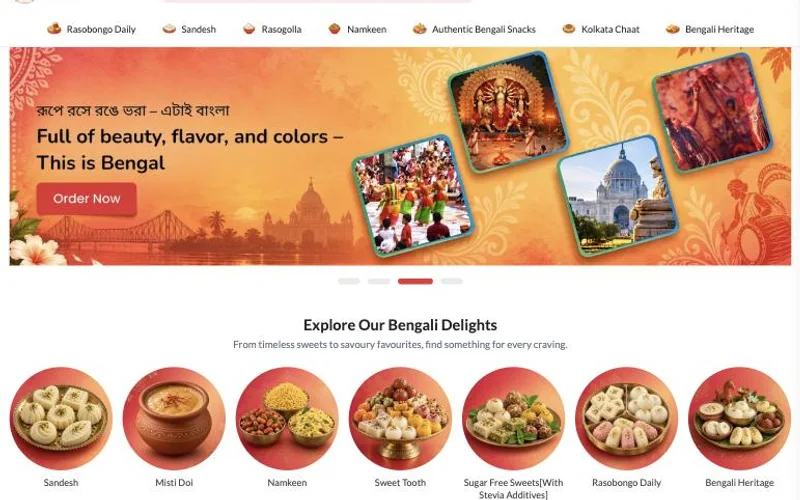
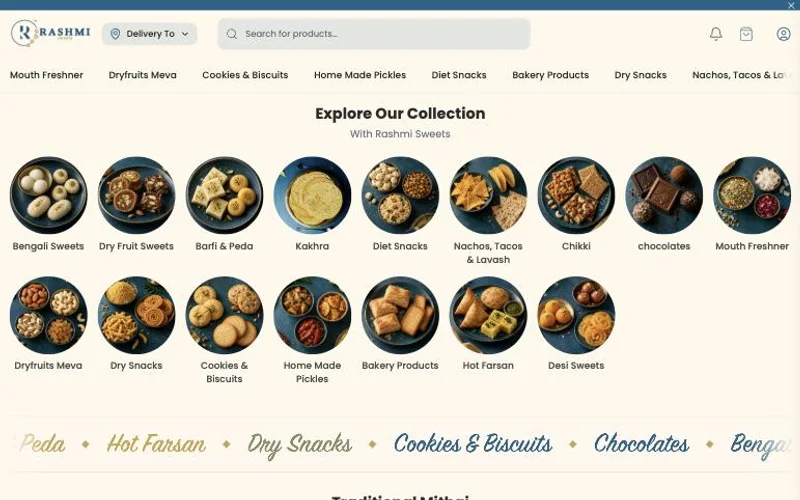
2 restaurant stores selling and delivering on Zopping today. Open any of them to see how it looks to a customer.
How an order moves
From the menu to the doorstep
Built for food cooked to order.
Go deeper
All part of the same Zopping store.
Restaurant questions, answered
Quick answers to what retailers ask most. Can't find yours? Ask our team.
Free forever plan · No credit card required
Can I take food orders on my own website and app?
Yes. You get your own branded website and mobile app, not a marketplace listing. Orders from them and bills from your Zopping POS counter reach you in the same list, so nothing is missed.
How do I mark a dish as sold out?
Pick the stock setting where everything is available, so you never count portions. When a dish runs out, mark it out of stock at that outlet. Customers can’t add it to the basket until you switch it back.
Can customers order food now or schedule it for later?
Yes. Customers can pick ASAP, which delivers within the minutes you set and appears only while you are open. They can also book a later slot, and each slot can have a limit on orders.
Can customers pick up their order from the restaurant?
Yes. Pickup is a choice at checkout. Pickup has its own minimum order value, separate from delivery, and you can make an offer that applies only to pickup orders.
How do I add sizes, combos and veg or non-veg labels to my menu?
Sizes are variants of one dish, each priced on its own. A combo is a bundle, either a fixed meal or one where customers choose items from groups. For veg or non-veg, add your own product field.
How do orders work if I run several outlets?
Every outlet delivers only inside its own area, set by pin code, map shape or radius. If an outlet can’t take an order, it rejects it and the order moves to another outlet rather than being cancelled.
Can I use my own delivery riders?
Yes. Your riders use the Zopping rider app to see their deliveries, find the address and record cash taken at the door. If you prefer couriers, you can connect them for each store.
Take orders on your own website and app
Tell us how your kitchen takes orders today, and we will show you your menu, slots and delivery areas set up on a Zopping store.